A calm break reminder for your eyes
Short eye exercises every few minutes, a real break every hour, and quiet when you need focus.
Try it free for 15 days, then buy it once.
It works around you
-
You’re working
Only time at your PC counts.
-
You step away
That is your break. No break waiting when you’re back.
-
Presenting or watching
It waits until you’re done. In games, it waits for a calm moment.
-
A break is due
It waits for a pause in your typing, then shows on the screen you’re using.
Twelve tiny exercises
Hand-drawn, a few frames each, like a flip book.
The real app
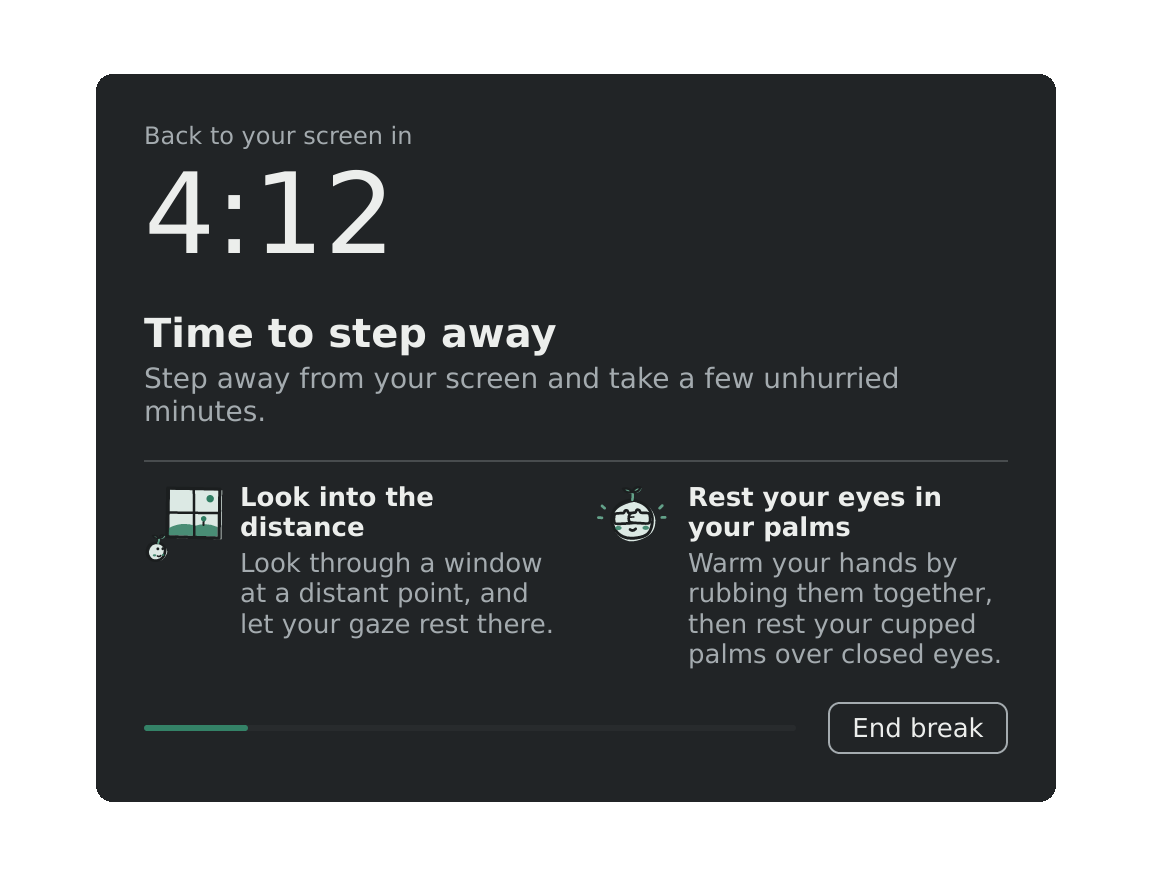
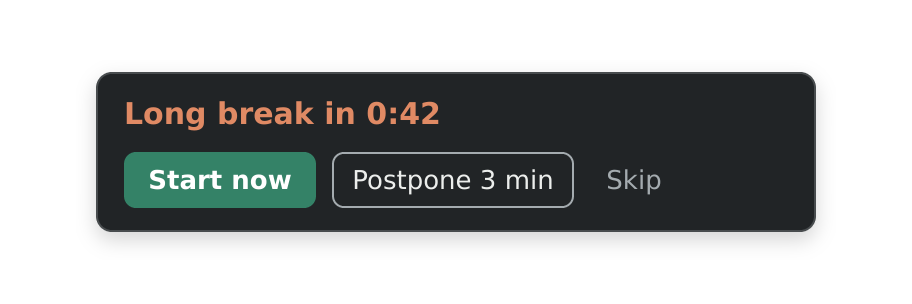
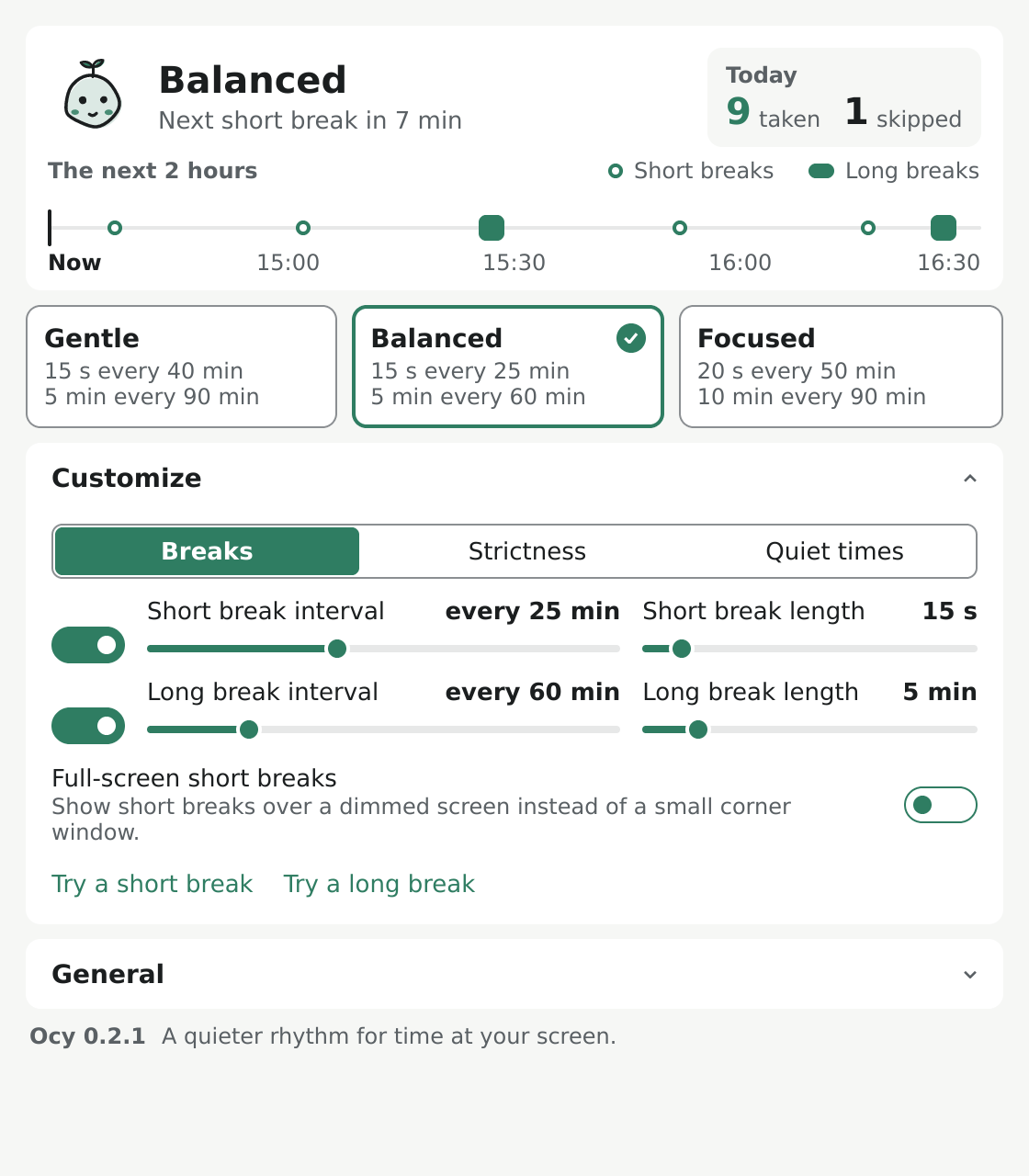
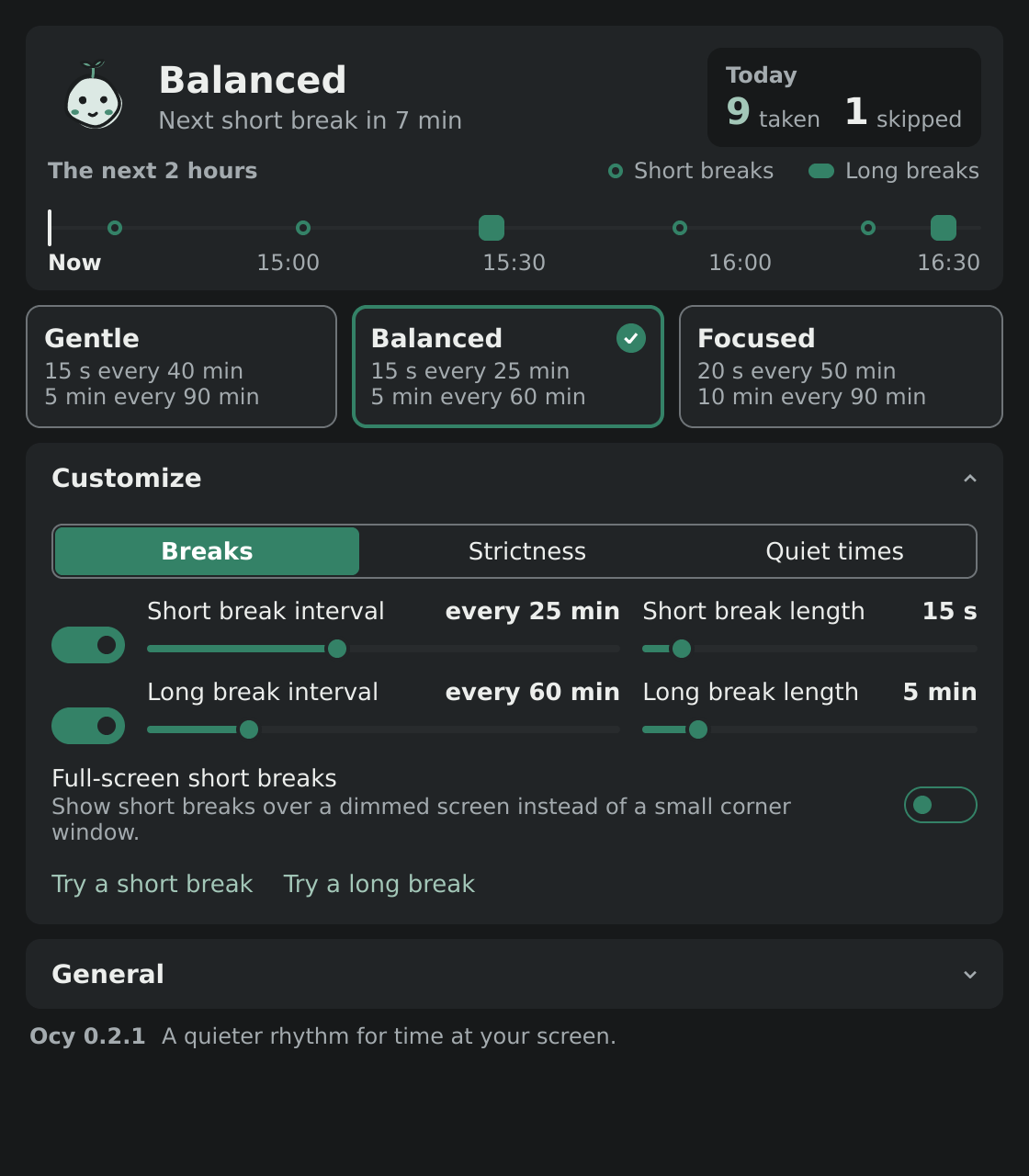
Follows your Windows light or dark theme.

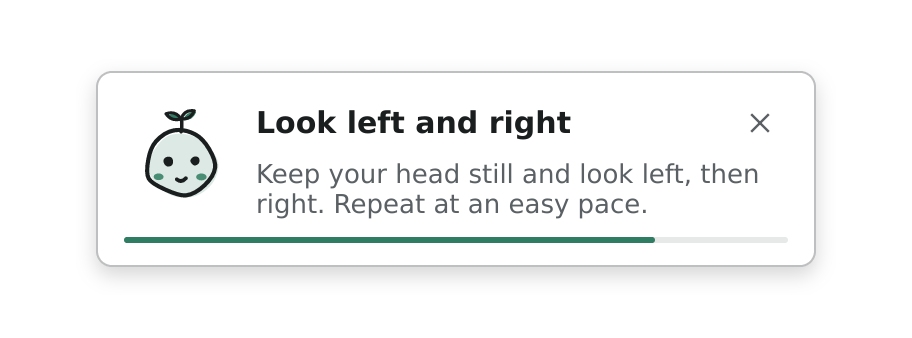
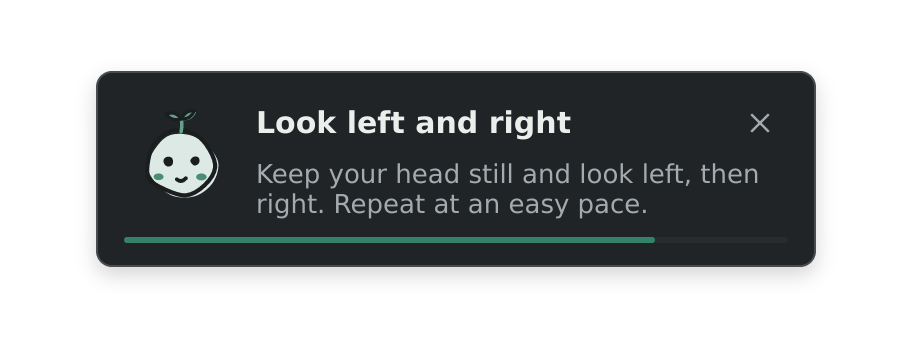
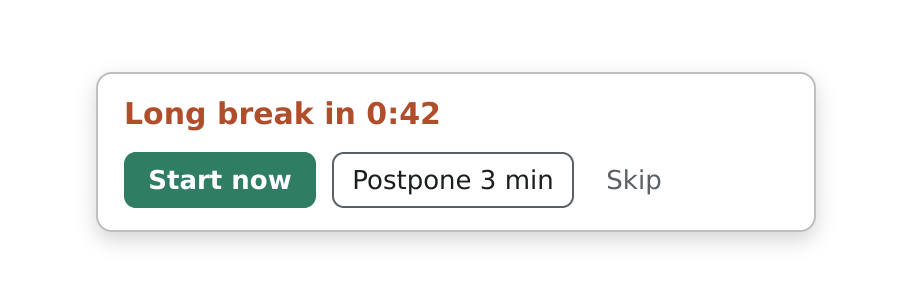
A small card on the screen you’re using. With two monitors, the other one gets a soft green frame.
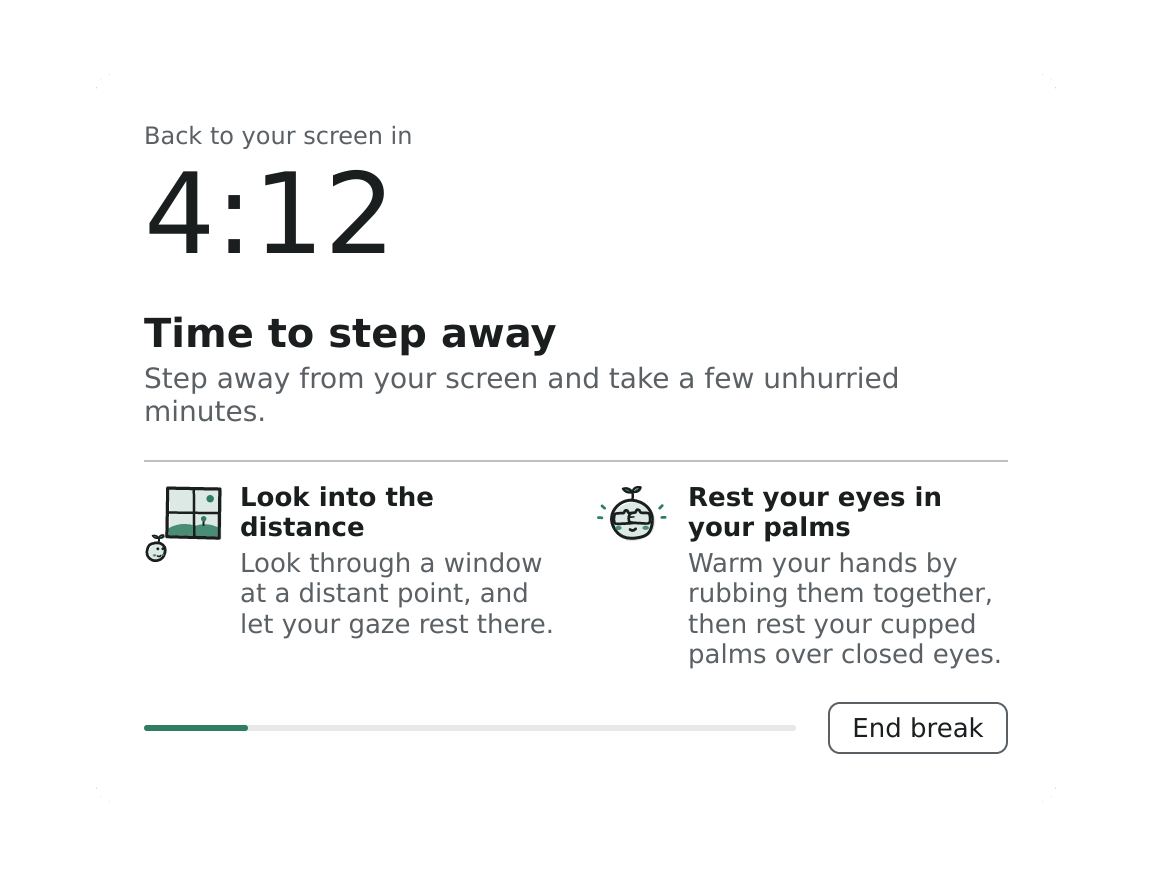
Every hour, the screen dims for a real five-minute break.
A minute before a long break: start it now, postpone or skip.
Changes apply right away. Light and dark follow Windows.
Lives in your tray
A small sprout that matches your taskbar. Click for settings. Right-click to pause, take a short break now or quit.
-

 Running
-

 Paused
-

 On a break
-

 Long break soon
Get started in a minute
Windows 10 or 11, 64-bit. The Microsoft Store installs Ocy and keeps it up to date.
-
Get it from the Microsoft Store
Open Ocy on the Microsoft Store and install it.
-
Try it free for 15 days
Find the sprout in your tray and click it for settings.
-
Buy it once
Keep Ocy after the trial with a one-time purchase in the Store.
Questions
Is Ocy an alternative to EyeLeo?
Yes. If you used EyeLeo, which hasn’t been updated in years, Ocy covers the same daily routine: short eye exercises, regular long breaks and quiet during fullscreen work. It also shows breaks on the monitor you are using, counts time away as rest, and runs on Windows today, with macOS and Linux planned. Ocy is an independent project, and its code, exercises and art are all original.
Is it safe to install?
Yes. Ocy comes from the Microsoft Store, which checks every app before it is listed. Ocy has no network code and collects nothing.
How do I start it with Windows, or remove it?
Turn on Start with system in Settings. To remove Ocy, uninstall it from Windows Settings; that also removes its settings.
What are the defaults?
| Short break | every 25 min, for 15 s |
|---|---|
| Long break | every 60 min, for 5 min |
| Warning before a long break | 60 s |
| Postpone | 3 min, up to 3 times |
| You count as away after | 2 min without input |
All of it is adjustable in Settings, without a restart.
Does it slow my PC down?
No. Ocy uses about 3.7 MB of memory while it waits and about 5–6 MB during a break. It checks in about six times a minute, and the whole app is one 12 MB file.
Can I use a screen reader?
Yes. Ocy supports Windows UI Automation, so Narrator can read it. Breaks never steal focus from what you are doing.
What does it cost?
Ocy is a one-time purchase on the Microsoft Store, with a 15-day free trial first. No subscription and no ads.
Does it need the internet?
No. Ocy has no network code at all. It works fully offline and never phones home.
Will it interrupt my game, video call or presentation?
Presentations and fullscreen videos hold breaks until you’re done. In games, breaks come as a small card in a calm moment, never mid-fight, and “Not during this game” keeps any game silent. Detecting calls in windowed apps is on the roadmap.
Can I make it stricter or gentler?
Yes. Change how often breaks come and how long they last, or turn off postponing and skipping with strict mode.
Is this medical advice?
No. Ocy is a habit tool. If your eyes hurt or your vision changes, see an eye-care professional.